
Screenshots

Basic Information
 Country
 Industry
 Categories
 Services
 Languages
 Domain Registration
 Status
 Entity
 Key Person
 Risk Scan
 Download
 Documents
Profile & Analysis
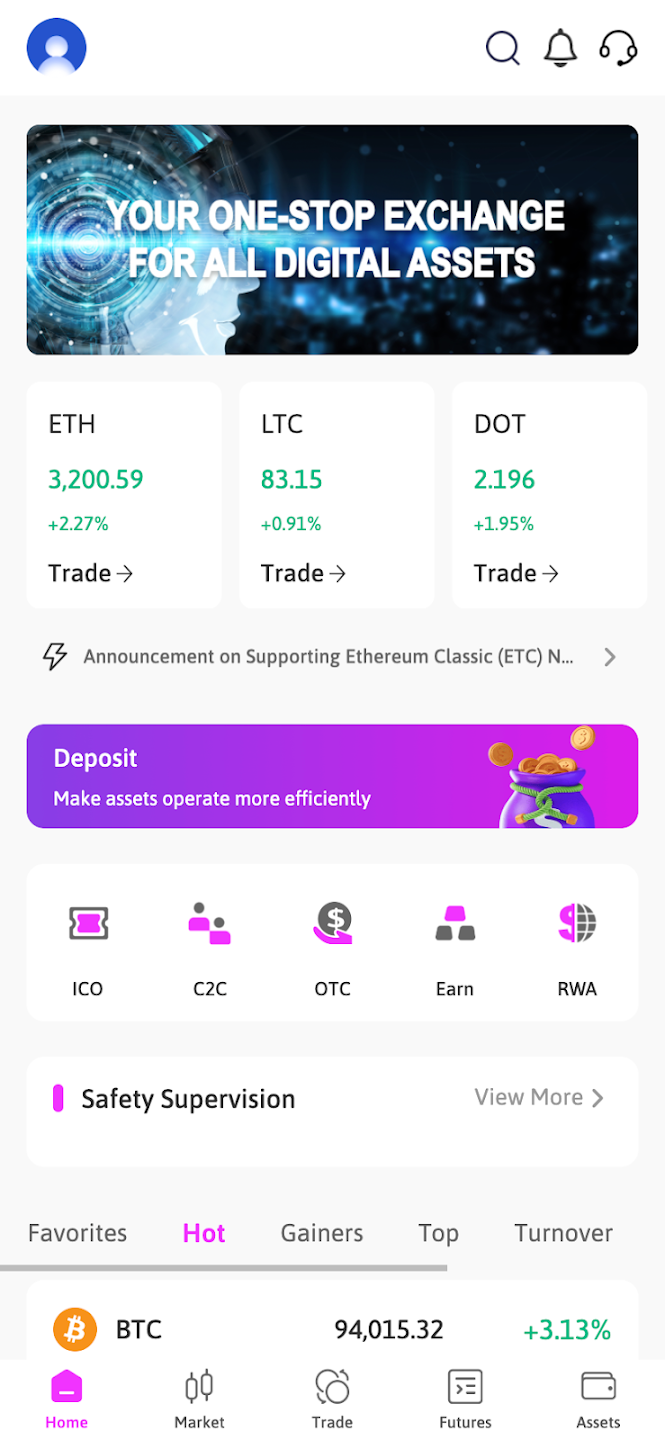
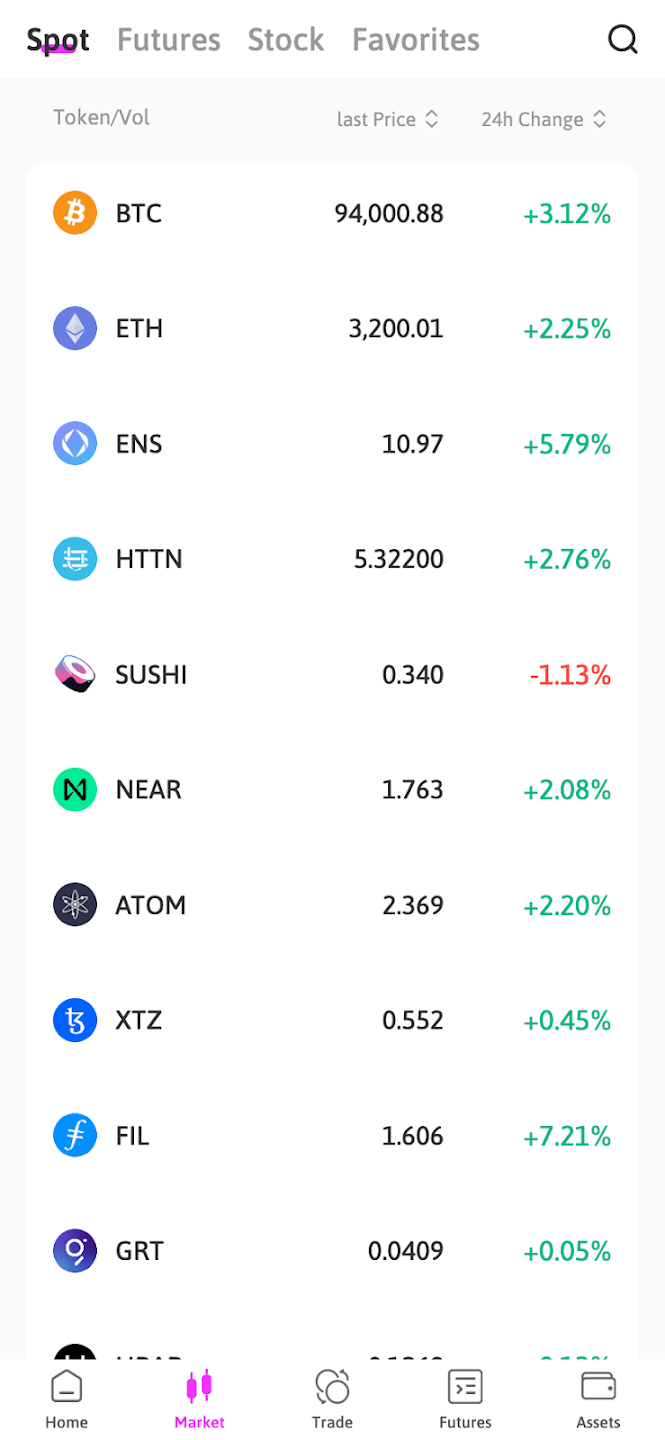
Hightitan Best is a simulated operations signal workspace designed for planning, training, and rehearsal. It helps teams monitor readiness indicators, review alert patterns, diagnose anomalies, and coordinate response actions inside a controlled environment with no connection to real systems.
Company Background
Hightitan Best is positioned as an internal coordination and readiness tool within the broader HIGHTITAN Trading Center ecosystem. The product description emphasizes a safe, privacy-focused approach: simulated signals are used to replicate operational scenarios so teams can practice procedures without introducing risk to real infrastructure or triggering real-world activity.
Services
- Overview Dashboard to monitor Readiness Score, signal highlights, and active alert summaries
- Diagnostics Center to filter alerts by severity and review drivers with recommended actions
- Action Queue to track response items and manage status (Start / Complete / Reopen)
- Settings & Control including Live Refresh toggle and Workspace reset options
- Simulated data workflows for training, shift planning, anomaly practice, and response rehearsal
Is Scam?
From the product’s stated design and usage boundaries, Hightitan Best does not present typical scam indicators such as promises of returns, pressure tactics, or hidden execution behavior. The application explicitly describes a simulation-only workspace with no real-system integrations, which limits exposure to real-world financial or operational impacts.
In practical terms, the “no connection to real systems” model and rehearsal-focused workflows align with legitimate training and planning software. Users interact with dashboards, diagnostics, and task queues to learn and coordinate, rather than to initiate real transactions or trigger external activity.
Conclusion:
Hightitan Best operates as a simulation-based operations workspace for readiness monitoring and response practice. Based on its disclosed design boundaries and feature set, it aligns with legitimate planning and training software rather than high-risk or deceptive products.
FAQ
What is Hightitan Best used for?
It is used for planning, training, and rehearsal—helping teams practice monitoring signals, diagnosing anomalies, and coordinating response actions using simulated data.
Does Hightitan Best connect to real systems?
No. The workspace is built on simulated data only and is described as having no connection to real systems or real-world activity triggers.
What features are included in the app?
Key features include an overview dashboard with readiness indicators, a diagnostics center with severity filters and recommended actions, an action queue for response tracking, and workspace controls such as refresh toggles and reset options.